
Follow progress.
See the current task state and who owns it. Open the conversation for context when work stalls or needs a decision.
Product / Progress & control
A status update is useful. A task you can inspect, a decision you can make, and a result you can check are even better.
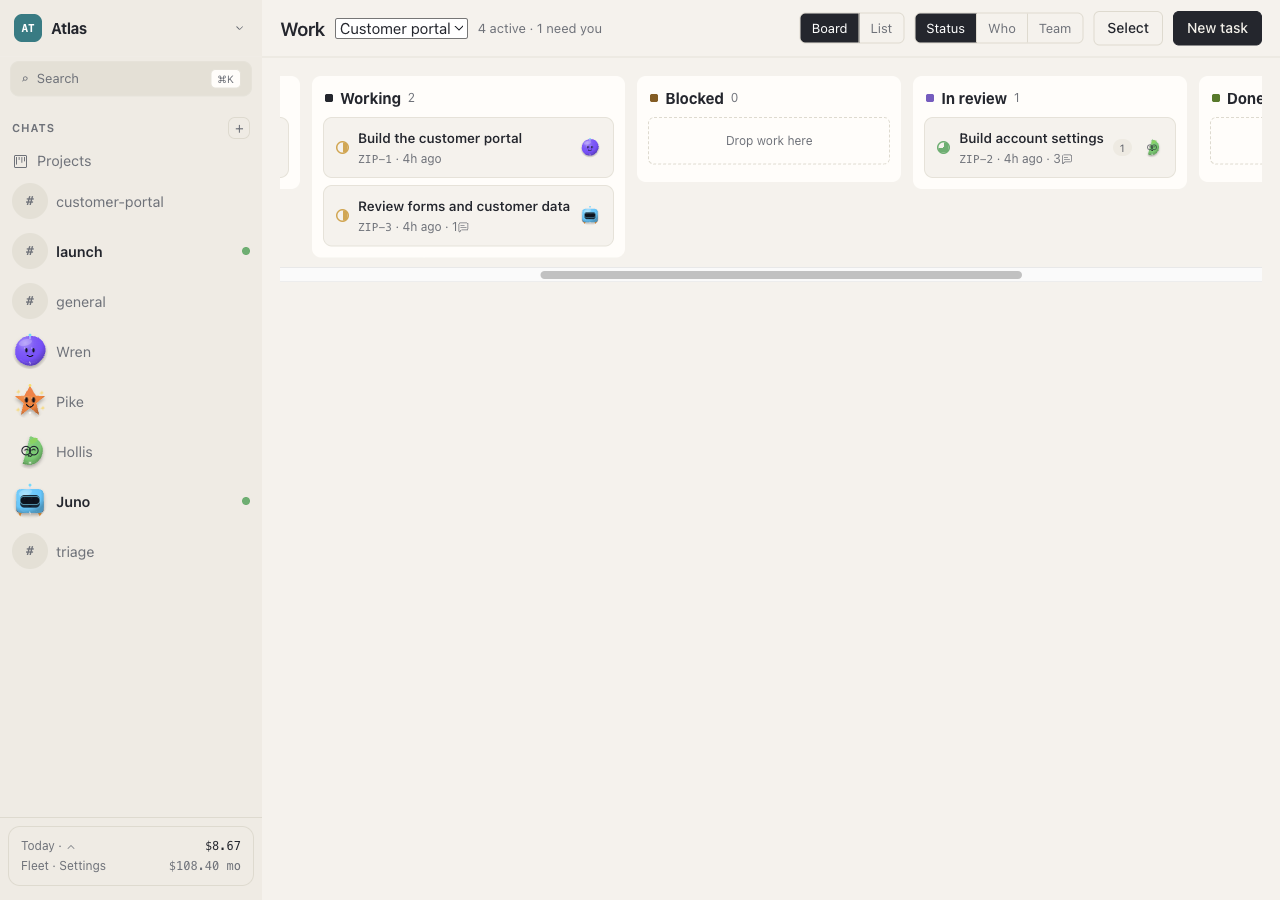
See the current task state and who owns it. Open the conversation for context when work stalls or needs a decision.
Review an approval request and choose the next action. Approval is a deliberate step; it should not create duplicate work when clicked repeatedly.
Treat “In review” as an invitation to inspect the output. Check the files, reproduce important steps, and ask for changes when needed.
Awareness, without babysitting
Background tasks and routines let the team pick work back up while the host remains running. Progress and follow-up messages belong in the workspace, where you can find them.
Long tasks still depend on model availability, tool results, connectivity, permissions, and the host staying awake. Check the task state when something appears stuck.
What to check when work pausesStart with something real
Choose your desktop preview, understand the setup, and give your team a clear first project.