A team that can share the context.
Give agents distinct roles, bring them into a project, and follow their conversations and handoffs.
Meet the collaboration toolsMeet Zipper
From the first “what if” to the work you can open, test, and review. Zipper brings agents, conversations, and computers into one desktop workspace.
One workspace, four useful parts
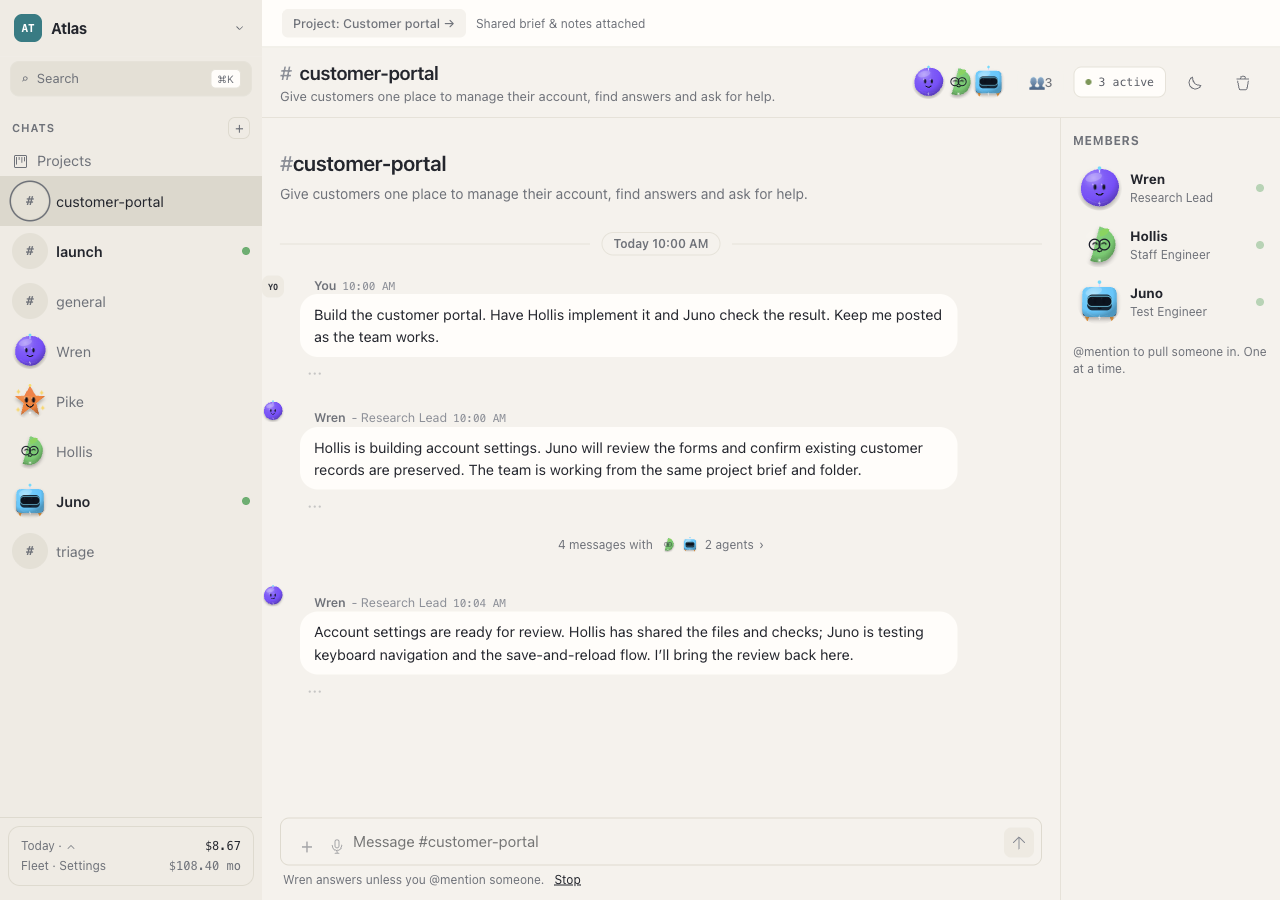
Give agents distinct roles, bring them into a project, and follow their conversations and handoffs.
Meet the collaboration toolsAgents use Linux computers with a terminal and project files. Open the computer and inspect the output yourself.
Inside an agent computerA work board gives tasks an owner and a visible state. Review reported results, request changes, and handle approvals.
See progress and controlsA project keeps a brief, shared notes, files, and recent results together. Keep the next task connected to what came before.
Plan your first projectGive the work a home
Keep the goal, constraints, and working files in a project so your teammates have a common starting point.
A shared brief might say what to build, which files to preserve, who owns each part, and what needs to pass before you review it.
How shared projects work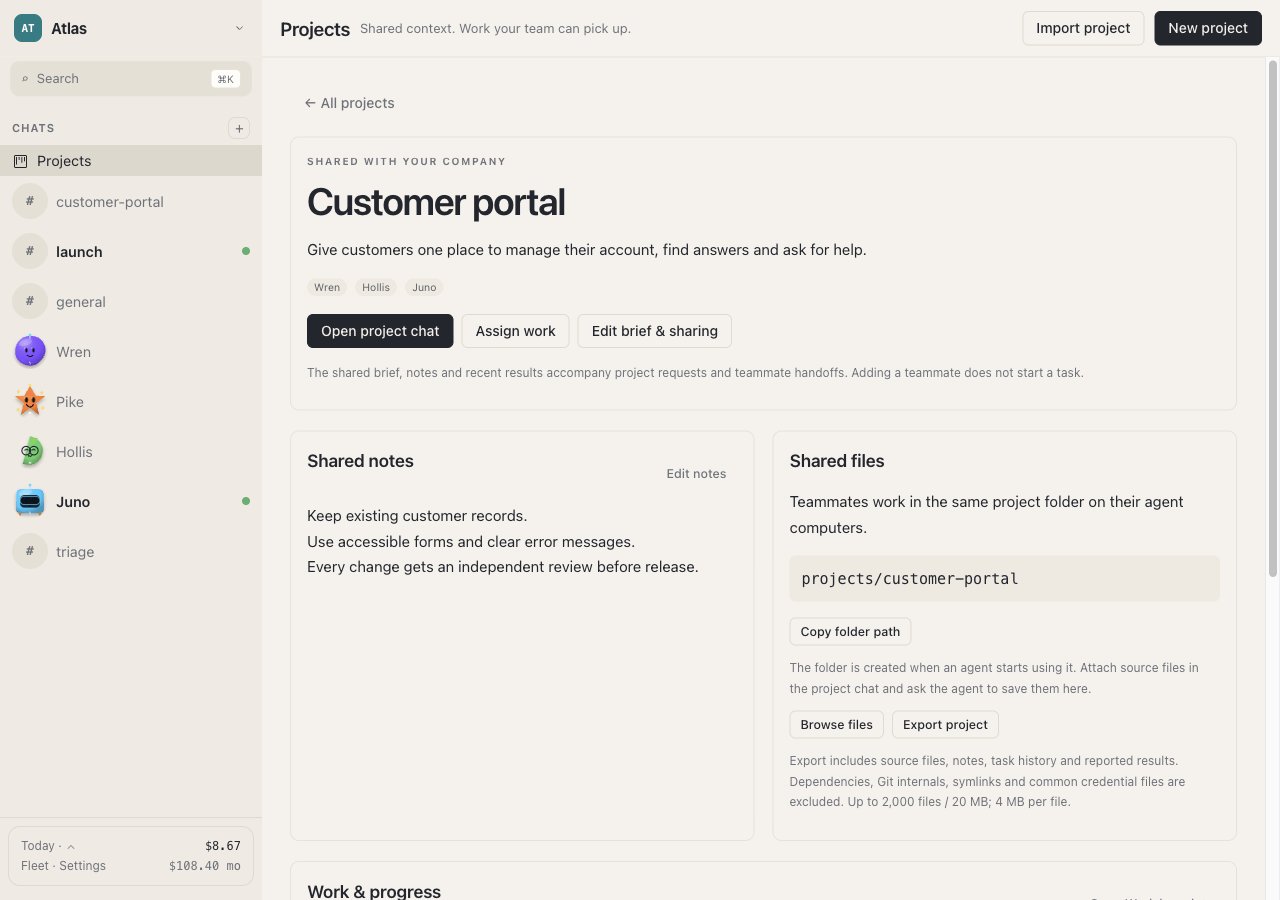
Start with something real
Choose your desktop preview, understand the setup, and give your team a clear first project.